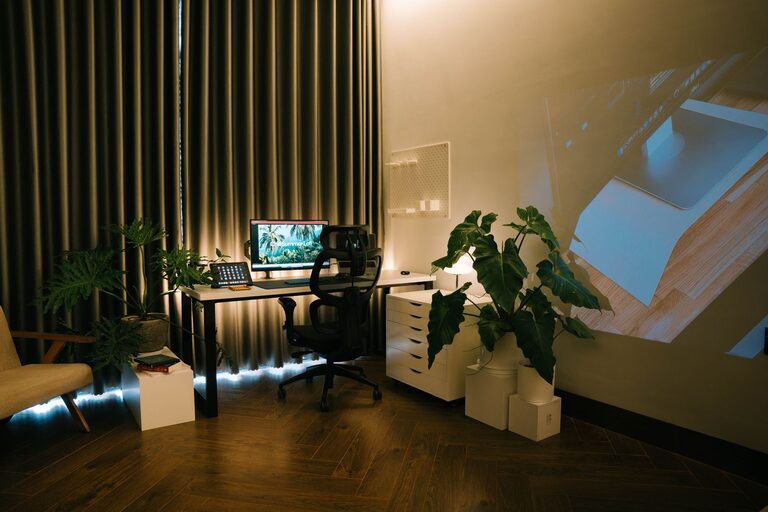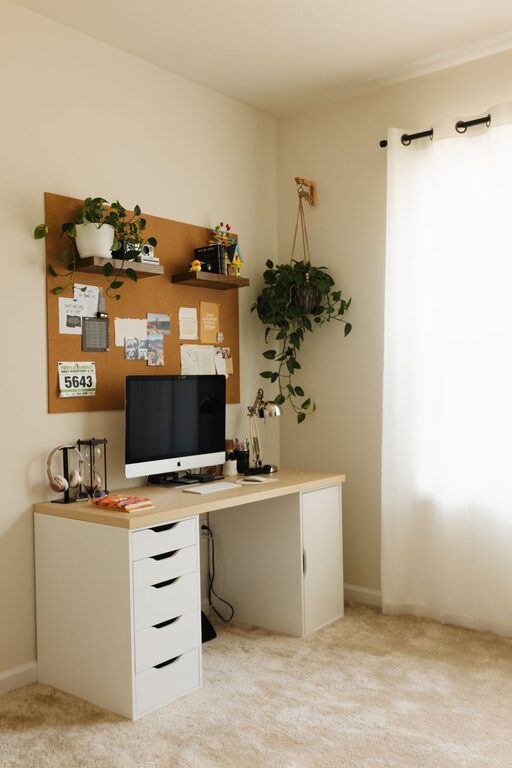
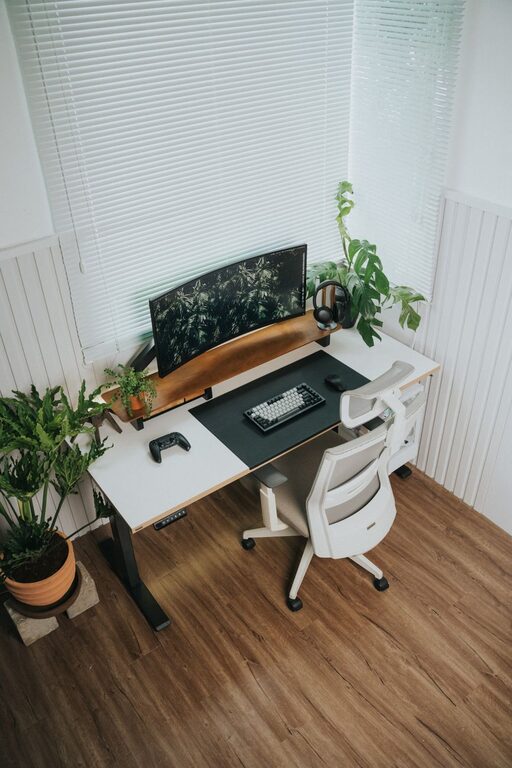
Creating a dedicated home office that is both inviting and productive can significantly improve your work-from-home experience. Whether you’re a freelancer, remote employee, or simply need a quiet spot for personal projects, the right environment helps you focus, stay organized, and maintain a healthy work-life balance. Here are some essential tips to help you set up a home office that suits your needs and inspires your best work.
Choose the Right Location
The first step in creating a home office is finding the right spot. Ideally, select a quiet area with natural light and minimal distractions. If possible, choose a room with a door to separate work from home life. Avoid high-traffic zones where family members or roommates frequently pass through.
Tips for Choosing Your Space:
– Look for good natural lighting to reduce eye strain.
– Consider the proximity to household noise sources like the kitchen or TV.
– Make sure there is enough room for your desk, chair, and any equipment you need.
– If space is limited, consider multi-functional furniture or a corner desk.
Invest in Comfortable, Ergonomic Furniture
Comfort is key to productivity, so invest in ergonomic furniture that supports good posture and reduces strain.
Essentials to Consider:
– Desk: Choose a desk at the right height for your work style. Adjustable desks or standing desks are great options.
– Chair: Pick an ergonomic chair with adjustable height, lumbar support, and comfortable cushioning.
– Monitor stands: Keep screens at eye level to avoid neck strain.
– Keyboard and mouse: Opt for ergonomic options to reduce wrist fatigue.
Comfortable furniture helps prevent back pain and keeps you focused longer.
Optimize Lighting
Good lighting can reduce eye strain and create a more welcoming atmosphere.
How to Improve Lighting:
– Use a combination of natural light and artificial lighting.
– Position your desk near a window but avoid glare on your screen.
– Use soft, diffused light from desk lamps to avoid harsh shadows.
– Consider using daylight bulbs that mimic natural light.
Experiment with lighting setup to find what feels best for your eyes and mood.
Organize and Declutter
A clutter-free workspace promotes clarity and focus. Having an organized office reduces stress and makes it easy to find what you need.
Organization Ideas:
– Use shelves, filing cabinets, or baskets to store papers and supplies.
– Keep only essentials on your desk to avoid distractions.
– Use cable organizers to keep cords tidy.
– Create designated zones for different tasks (e.g., computer work, brainstorming, storage).
Regularly tidying your workspace can help maintain this order.
Personalize Your Workspace
Adding personal touches to your office space makes it inviting and comfortable.
Personalization Suggestions:
– Hang artwork, photos, or motivational quotes that inspire you.
– Include a few plants to add life and improve air quality.
– Use colors that boost your mood—calming blues or energizing yellows.
– Invest in cozy accessories like a soft rug or throw blanket.
Personalization helps create a space where you enjoy spending time.
Minimize Distractions
Creating boundaries between work and home life allows you to stay focused.
Strategies to Minimize Distractions:
– Use noise-cancelling headphones if you can’t control noisy environments.
– Set clear work hours and communicate them to others in your household.
– Turn off non-work-related notifications on your devices.
– Keep your workspace focused on work content only.
A distraction-free zone supports stronger concentration and efficiency.
Incorporate Technology Efficiently
The right technology can help you work smarter.
Tech Tips:
– Use a reliable high-speed internet connection.
– Organize your workstation with necessary chargers, docking stations, and cable management.
– Use apps and tools that enhance productivity, like calendars, task managers, and video conferencing software.
– Keep your computer and software updated to avoid technical issues.
Having an efficient tech setup reduces frustrations and downtime.
Maintain Good Air Quality and Comfort
A comfortable temperature and air quality improve focus and well-being.
Comfort Tips:
– Open windows or use an air purifier to keep air fresh.
– Adjust room temperature to a comfortable level.
– Use a fan or heater as needed to regulate the environment.
A pleasant environment helps keep you alert throughout your workday.
Establish Daily Routines and Breaks
Creating healthy habits supports productivity.
Routine Ideas:
– Start your day with a consistent morning routine.
– Schedule regular breaks and move around.
– Set clear goals to track your progress.
– End your day by tidying your space to separate work from relaxation.
Routines help you stay organized and prevent burnout.
—
Designing an inviting and productive home office doesn’t have to be complicated or expensive. By choosing the right space, investing in comfortable furniture, controlling lighting, staying organized, and personalizing your area, you’ll create a workspace that encourages focus and happiness. Remember to manage distractions, optimize technology, and maintain comfort to keep productivity high and enjoy your time working from home. With these tips, your home office can become a place you look forward to being every day.